ok YouTube TV fired back up and is working, but the menu isnt loading completely. I can see whats playing, but the channels aren’t loading nor are the previews.
this is more or less what others have said on “down detector” and elsewhere.
this is still better than it was before I connected to my hotspot. all morning long it wouldn’t even load. it would just be a blank screen.
Here is how to change these settings depending on your Apple device: How to Change DNS on a Mac (macOS) Click the Apple menu in the top-left corner and select System Settings. Click Network in the left sidebar. Click on your active connection (usually Wi-Fi or Ethernet) and click the Details… button. Select the DNS tab from the sidebar of the pop-up window. Under the DNS Servers section, click the + (plus) button. Type in 1.1.1.1 and press Enter. Click the + button again and add 1.0.0.1. Click OK, then click Apply. [1, 2, 3]
To Change DNS on an iPhone or iPad (iOS) Open the Settings app and tap Wi-Fi. Tap the i (information) icon next to your connected Wi-Fi network. Scroll down to the bottom and tap Configure DNS. Switch the setting from Automatic to Manual. Delete any existing DNS servers by tapping the red minus icon. Tap Add Server and type 1.1.1.1. Tap Add Server again and type 1.0.0.1. Tap Save in the top-right corner.
No thanks. I gave about 20+ as well. When I finally get through to them, I’ll have them send me a new router and see if that works. U-verse is working fine so will limp along.
2 hours ago, Apple TV would not connect. Now it is fine. However, a couple that were working a while back aren’t, including their own smart home manager.
ive now connected all my TV’s to hotspot to get YouTube TV working and now back on WIFI so - things are back to “normal” until they can get their sh!t together and fix it on their end.
side note - I use Gmail for both personal and business and its currently not working on my wifi. glad its a holiday weekend and not the middle of the week or else this would be more than just a little annoying.
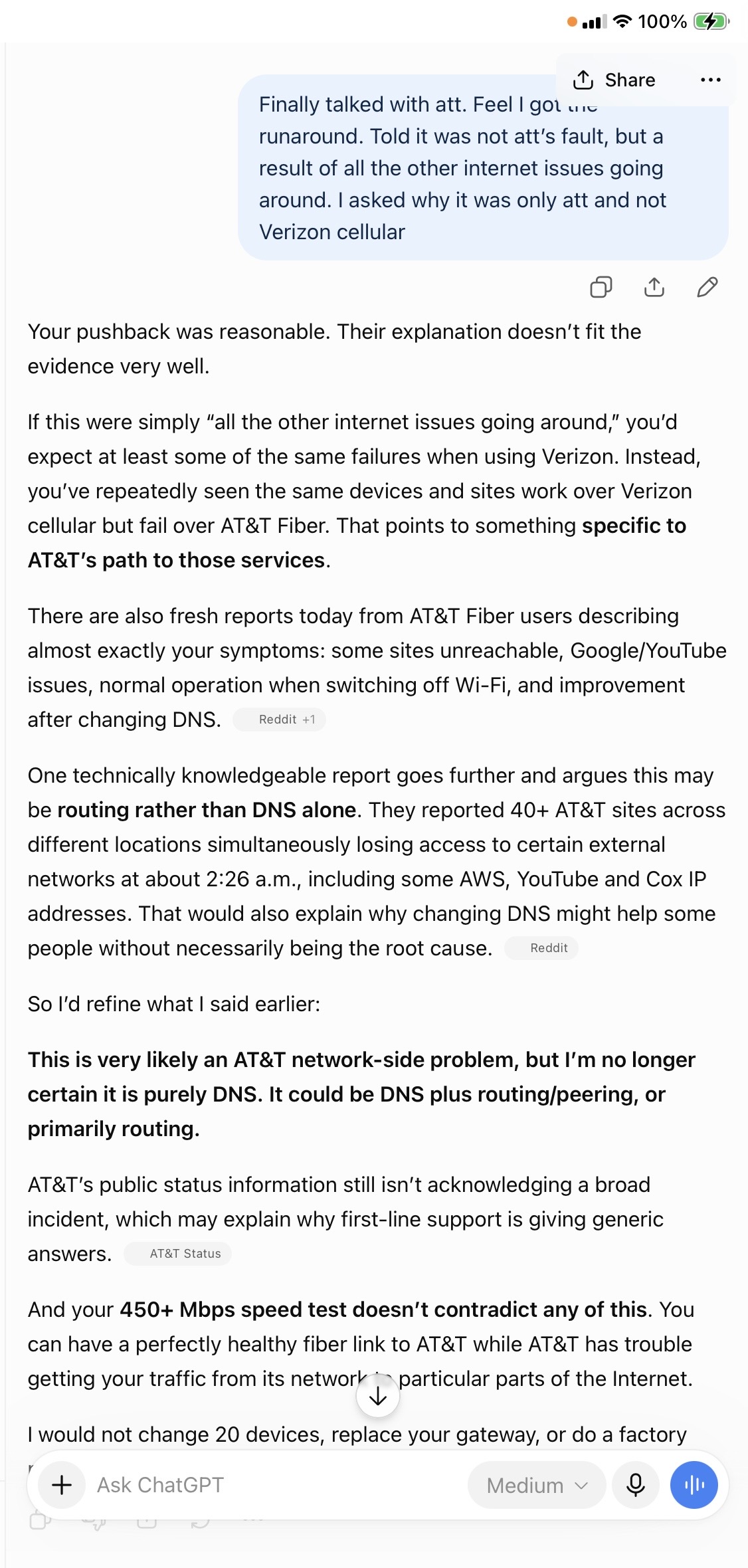
Boy, did I get the runaround talking with att. Granted, I am not a tech guru by any means, but I do understand usually when something is explained to me. Was told it was not an att issue but a result of all the other sites having issues, such as google, YouTube, etc. could take up to 48 hours to fix. They could not explain why Verizon cellular worked on everything. I was trying to learn something as well. This was also having the issue escalated to a manager who called me back after my call.
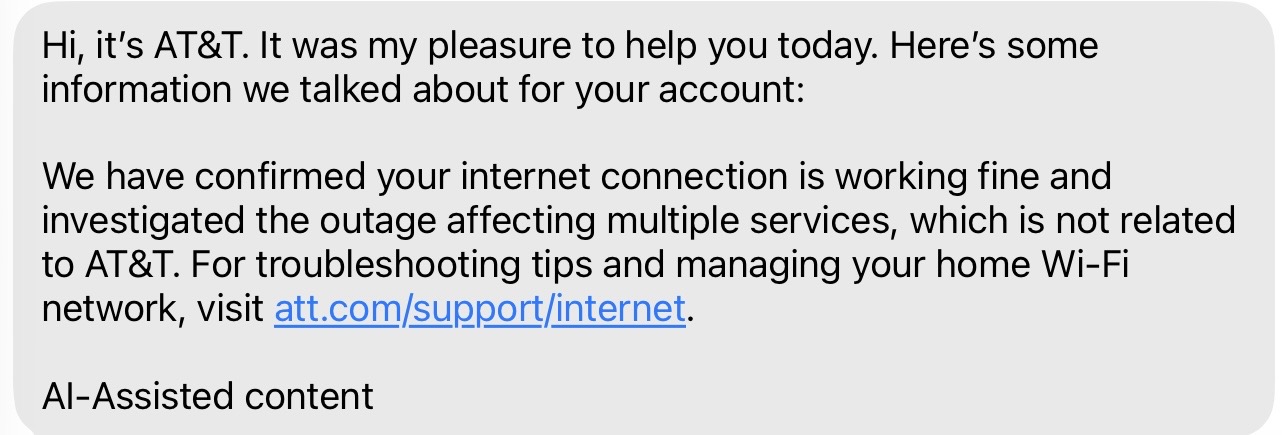
One more communication from att I wanted to share with you. It looks like deflection at its best. They do not want to pay anybody under their outage guarantee. I’ll let you know when all is good here.
Hi, it’s AT&T. It was my pleasure to help you today. Here’s some information we talked about for your account:
There is an ongoing issue affecting access to Google-related sites on your devices. This issue is expected to resolve automatically within 24-48 hours. Meanwhile, you can try adjusting DNS settings on your Amazon Fire Sticks and Apple devices as guided.
Its a google issue my chrome still won’t let me log in and my smart tv is not letting me access certain apps. It was a miracle I was able to watch Talkin Bout them Coogs on youtube tonight.